
Why iPhone 6S Battery Problems Are Closely Connected to Performance Slowdowns
Before replacing an iPhone 6S battery, there’s one important issue you should understand: Apple’s “Batterygate” controversy.

Apple previously introduced iOS performance management features for older iPhones—including the iPhone 6, 6 Plus, 6S, 6S Plus, SE (1st Gen), 7, and 7 Plus—to prevent unexpected shutdowns caused by degraded batteries.
What does that mean in real life?

As your iPhone 6S battery ages:
- Battery drains faster
- Device performance becomes slower
- CPU speed may be throttled automatically by iOS
While Apple stated this was meant to prevent sudden shutdowns, many users experienced both poor battery life and reduced performance at the same time.
The good news?
Replacing your old iPhone 6S battery can restore both battery life and device speed.

Step 1: Pre-Repair Diagnosis & Customer Consultation
The customer visited our repair center because her phone required multiple charges throughout the day.
Before starting the repair, we carefully explained several important points:
Battery Health Check
We checked:
Settings → Battery → Battery Health & Charging
When battery maximum capacity drops below 80%, Apple officially recommends replacement.
Lower battery health often leads to:
- Faster battery drain
- Unexpected shutdowns
- Slower device performance
Important Notices Before Repair
1. Water Resistance Warning
Opening the device removes its original factory adhesive seals.
Although the iPhone 6S does not officially carry modern IP67/IP68 water resistance ratings, customers should still be cautious around moisture after repair.
2. Full Post-Repair Function Testing
After replacement, we promised to test:
- Touch ID
- Camera
- Calling function
- Charging function
- Display performance
3. Honest Inventory Management
At the time of repair, our iPhone 6S battery stock was temporarily unavailable.
Rather than using low-quality emergency replacement parts, we scheduled the repair using a next-day delivered KC-certified battery, ensuring both safety and reliability.

Step 2: iPhone 6S Battery Replacement Process
Although the iPhone 6S launched in 2015, repairing older devices often requires even more precision than newer smartphones.
Aged adhesives become hardened, and internal cables become fragile over time.
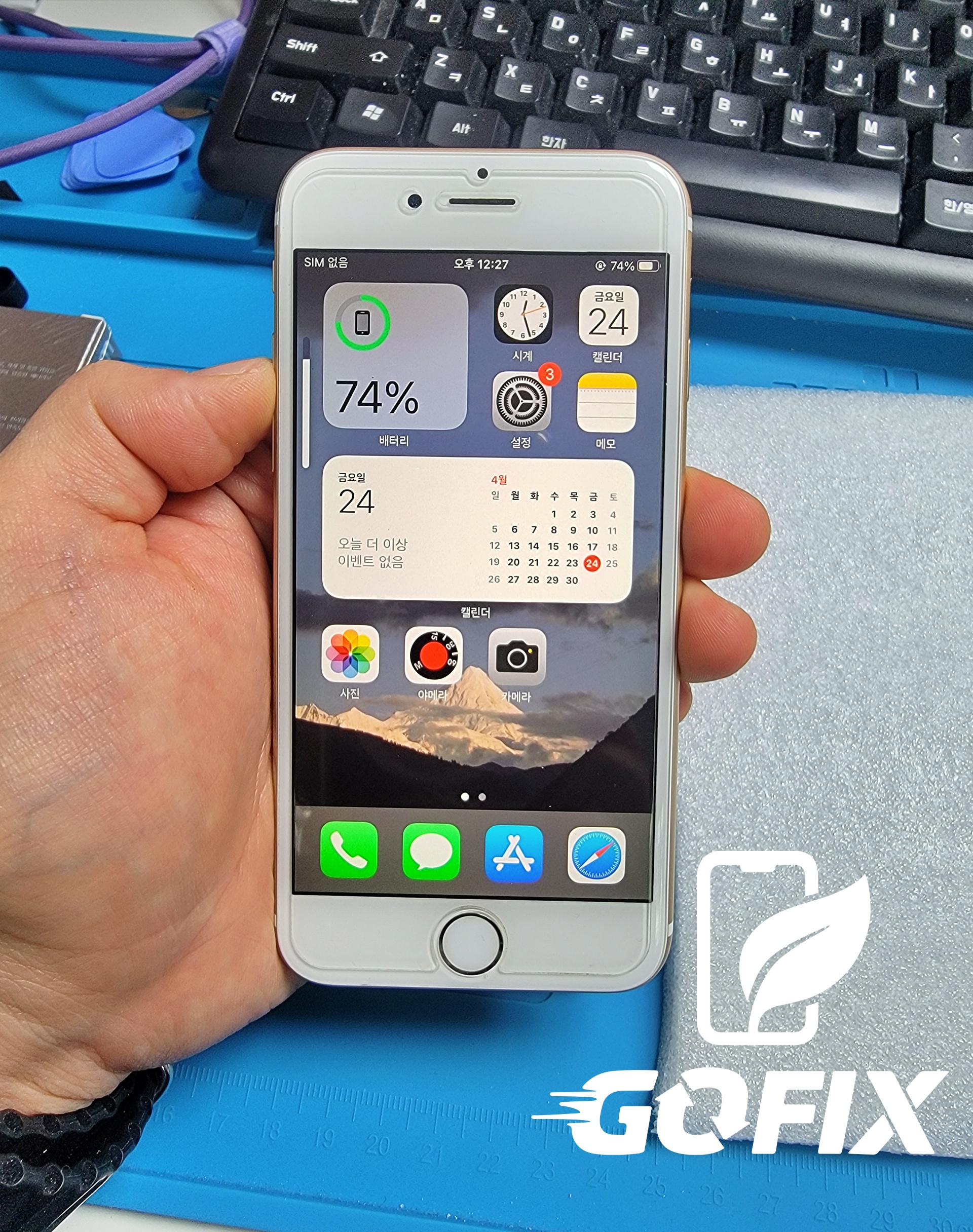
Step 1: Initial Function Testing
Before opening the phone, we tested:
- Display output
- Touch ID
- Camera
- Call functionality
This establishes a repair baseline.
Step 2: Heating the Device
We placed the device on a professional heating plate for approximately 10 minutes.
This softens hardened adhesive and reduces the risk of:
- Screen cracking
- Frame bending
- Internal cable damage

Step 3: Display Removal (Critical Step)
The iPhone 6S contains a fragile Touch ID flex cable near the bottom.
Opening the screen incorrectly can permanently damage Touch ID.
Because Touch ID is hardware-paired to the logic board, once damaged, it cannot be restored.
We carefully adjusted the opening angle to safely remove the screen.
Then we:
- Removed display connector shields
- Disconnected the battery first
- Fully separated the display assembly
Disconnecting the battery first helps prevent short circuits and motherboard damage.
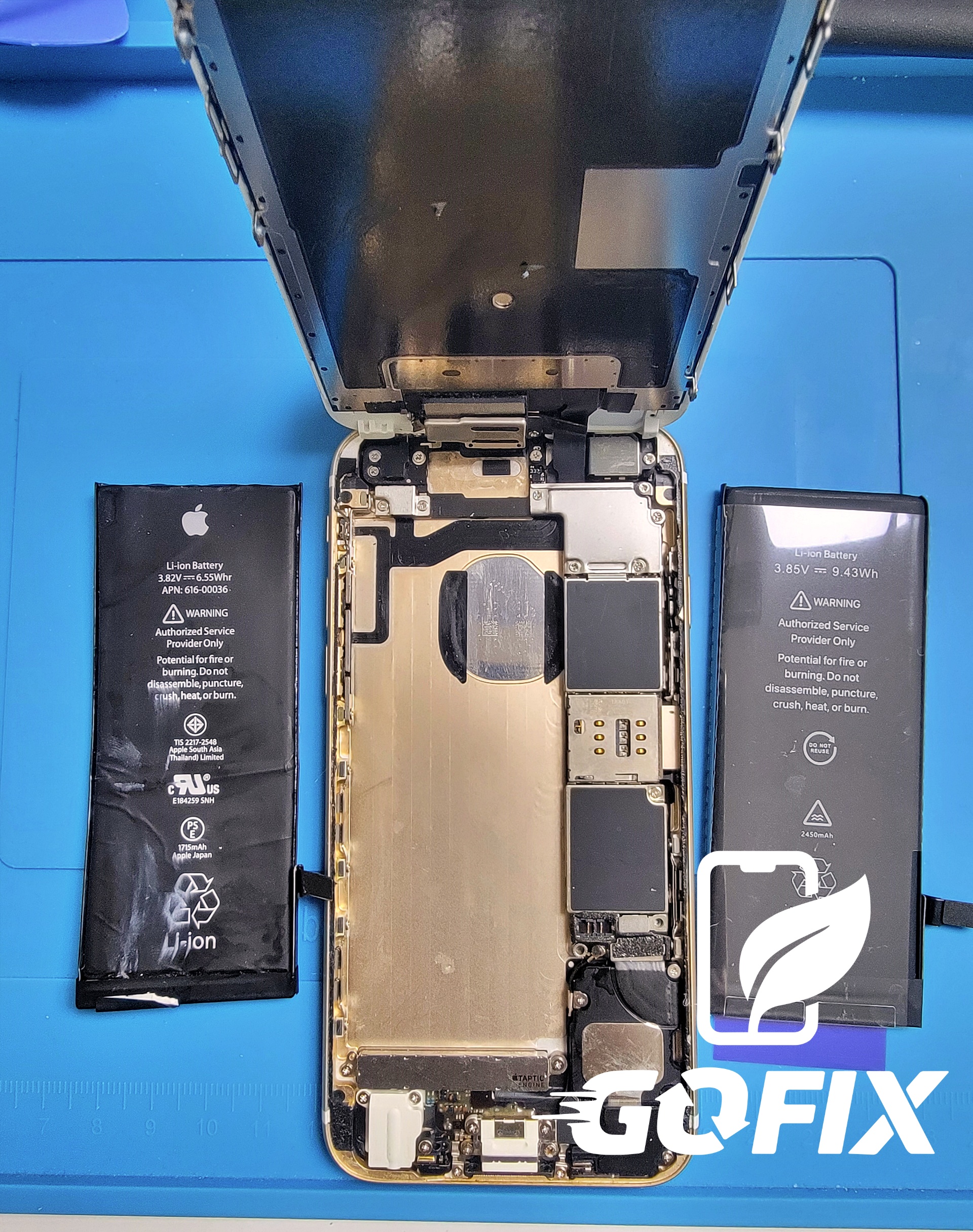
Step 4: Safe Battery Removal
The original battery is secured with strong adhesive strips.
Forcefully removing it can cause:
- Battery punctures
- Chemical leakage
- Thermal runaway
- Fire risks
This is especially dangerous with aging batteries.
At GoFix, we use specialized adhesive removal solutions to safely dissolve adhesive before battery extraction.
We then clean leftover adhesive residue before installing the new battery.

Step 5: Installing a KC-Certified Battery
Why use a KC-certified battery?
KC certification verifies:
- Overcharge protection
- Over-discharge protection
- Short circuit prevention
- Fire safety compliance
Low-cost uncertified batteries may lead to:
- Battery swelling
- Overheating
- Safety risks
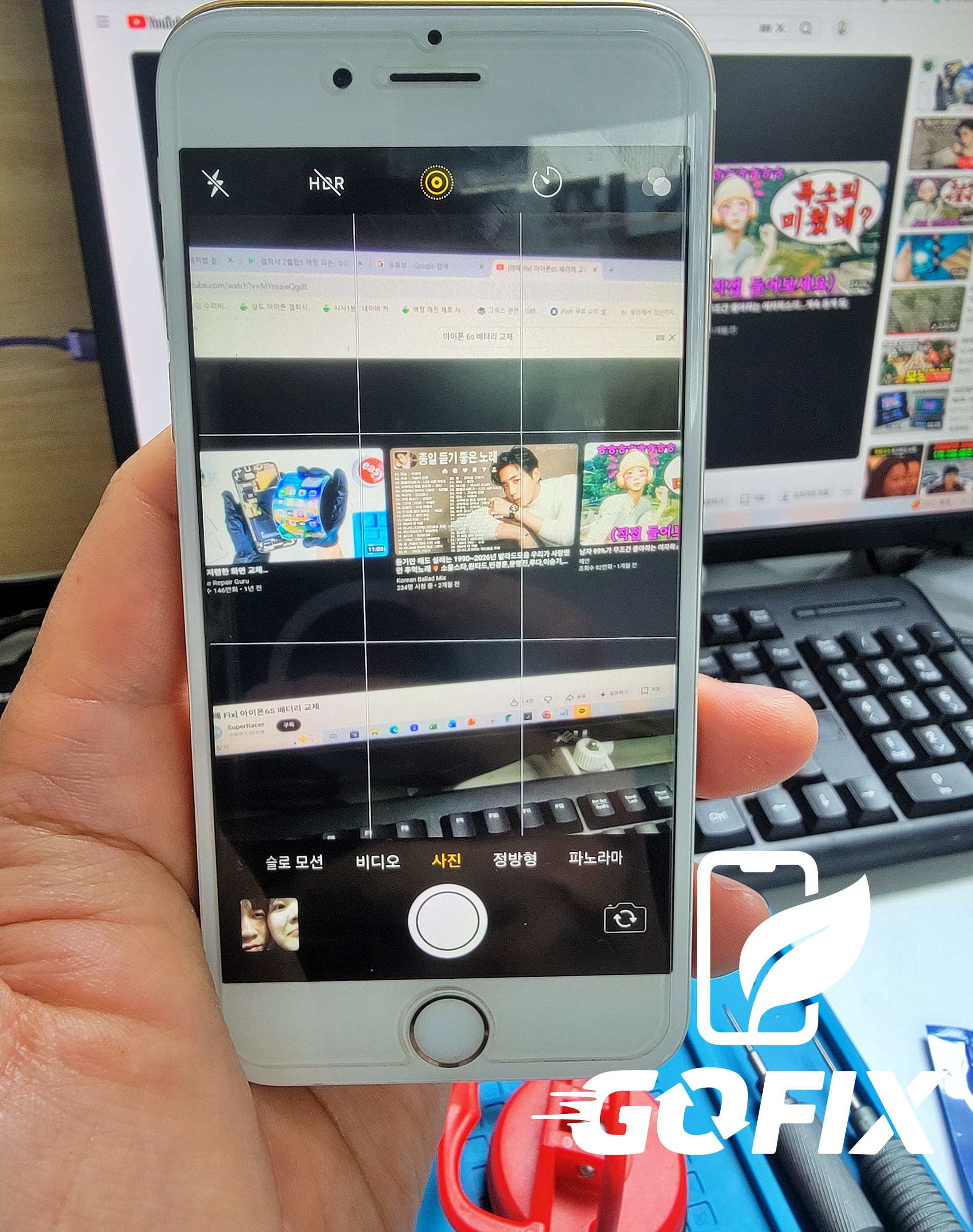
After installation, we performed temporary testing for:
- Charging recognition
- Battery percentage display
- Touch ID functionality
- Touch response
- Call functionality
Everything passed successfully. ✅
Step 6: Final Assembly
After successful testing:
- Battery was securely installed
- Display was reassembled
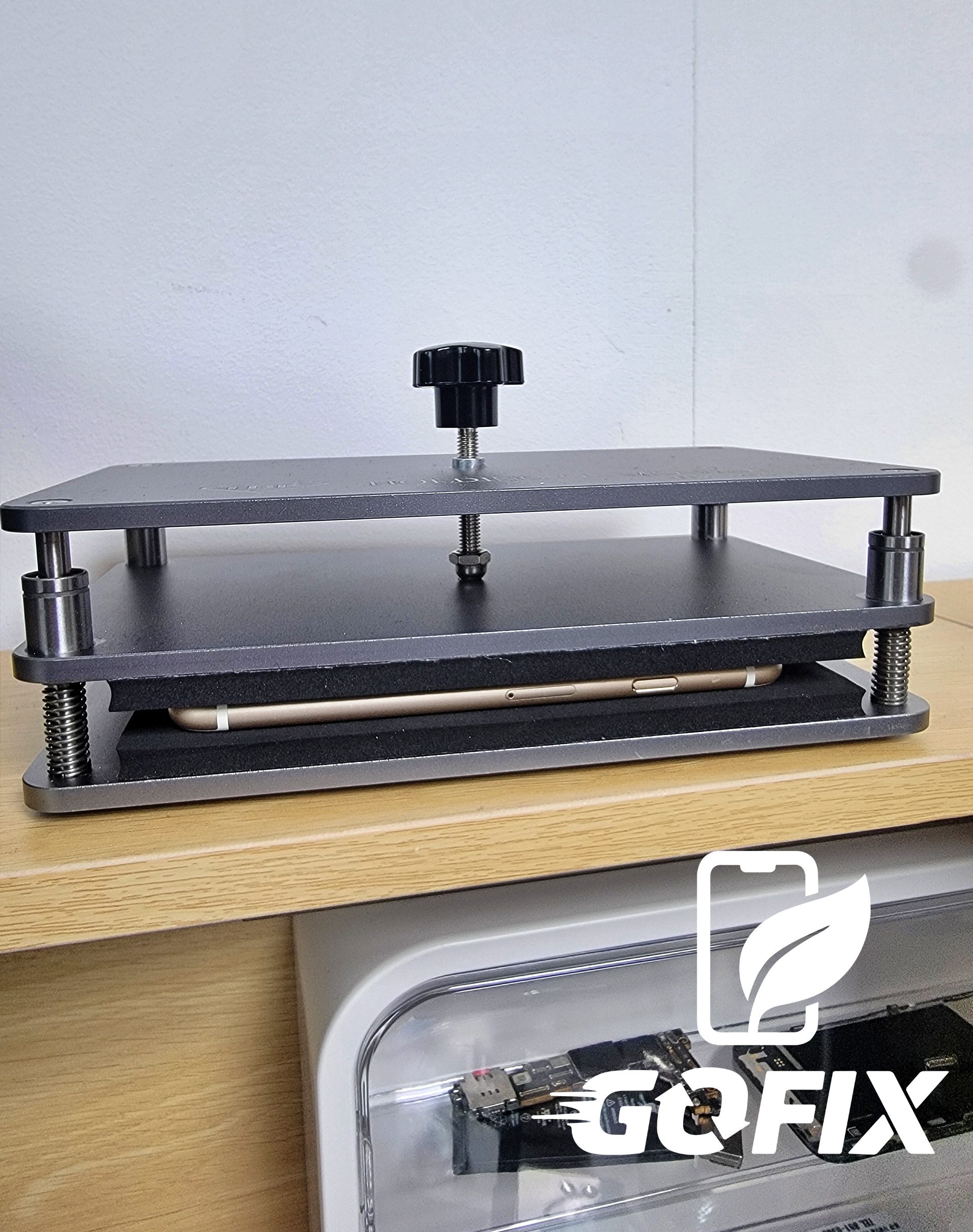
- The device was sealed using professional compression equipment
This ensures tighter long-term assembly quality.
Step 7: Repair Completion & Pickup Scheduling
After completing the repair, we contacted the customer.
Since same-day pickup wasn’t possible, we safely stored the device until her scheduled pickup date the following Monday.
Engineer Tips to Extend iPhone Battery Lifespan
Keep Battery Between 20%–80%
Avoid frequent full discharges and constant 100% charging.
Enable:
Settings → Battery → Battery Health → Optimized Battery Charging
Use Certified Chargers
Use MFi-certified or KC-certified charging accessories.
Avoid cheap uncertified chargers.
Avoid Extreme Temperatures
High heat and freezing temperatures both damage lithium-ion batteries.
Never leave your phone:
- Inside hot cars
- Under direct sunlight
- Outdoors in freezing weather for extended periods
Regularly Check Battery Health
Monitor your battery health regularly.
Once it drops below 80%, consider replacement.
Manage Background Apps
Reduce unnecessary battery drain by adjusting:
Settings → General → Background App Refresh
Final Thoughts: Your iPhone 6S Still Has Life Left
The iPhone 6S may be over 10 years old, but it’s still perfectly capable for everyday use.
A simple battery replacement can restore:
- Better battery life
- Faster performance
- Improved reliability
Before spending money on a new phone, consider replacing your battery first.
At GoFix, we provide honest repairs using safe, high-quality parts. 🔧
About GoFix – Smartphone Refurbishment Tech Company
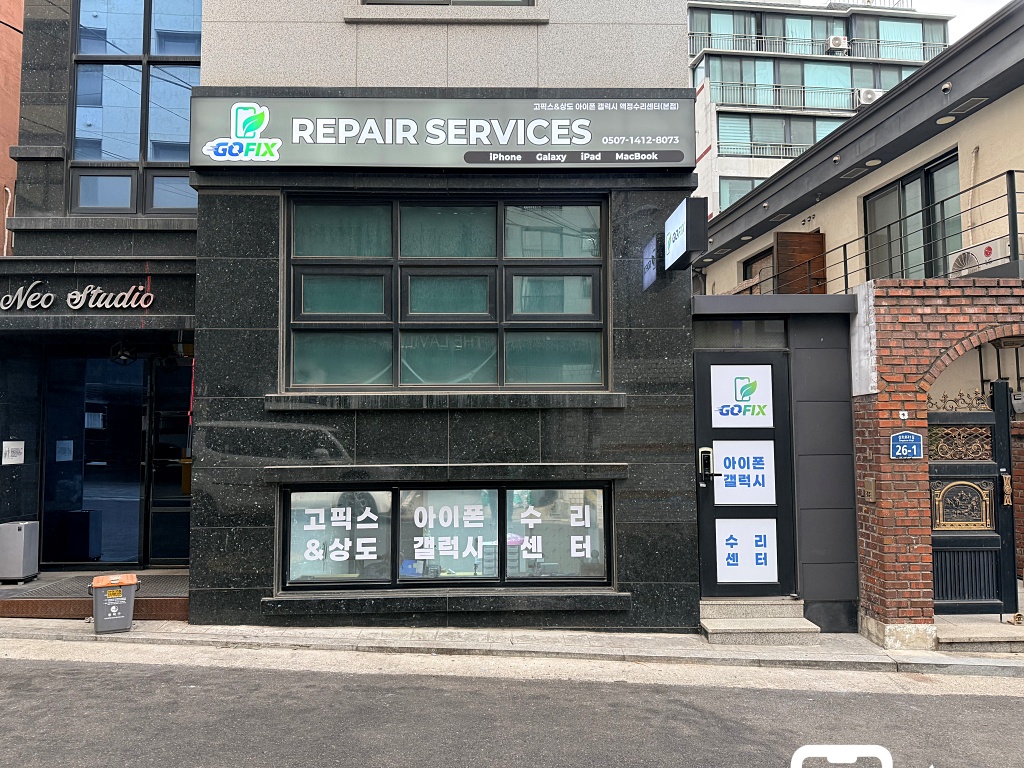
GoFix specializes in extending smartphone lifespan through:
- Partial repairs
- Genuine extracted parts
- Refurbished components
- High-quality compatible parts
Rather than competing with official service centers, we help customers solve expensive out-of-warranty repair issues more affordably.
Our mission is to reduce electronic waste and support ESG sustainability through responsible smartphone repair.
📍 Address: B1 Unit 101, Neo Studio, 26 Sangdo-ro 41-gil, Dongjak-gu, Seoul
(5-minute walk from Sangdo Station Exit 5)
🕒 Business Hours:
Weekdays: 10 AM – 8 PM
Saturday: 10 AM – 6 PM
(Closed every last Saturday of the month)
📞 Phone: 0507-1412-8073
Why Customers Trust GoFix
✅ Honest repair recommendations
✅ Transparent repair process (recorded repairs)
✅ Strict customer data protection
✅ 3-month repair warranty
✅ Loyalty benefits for returning customers


